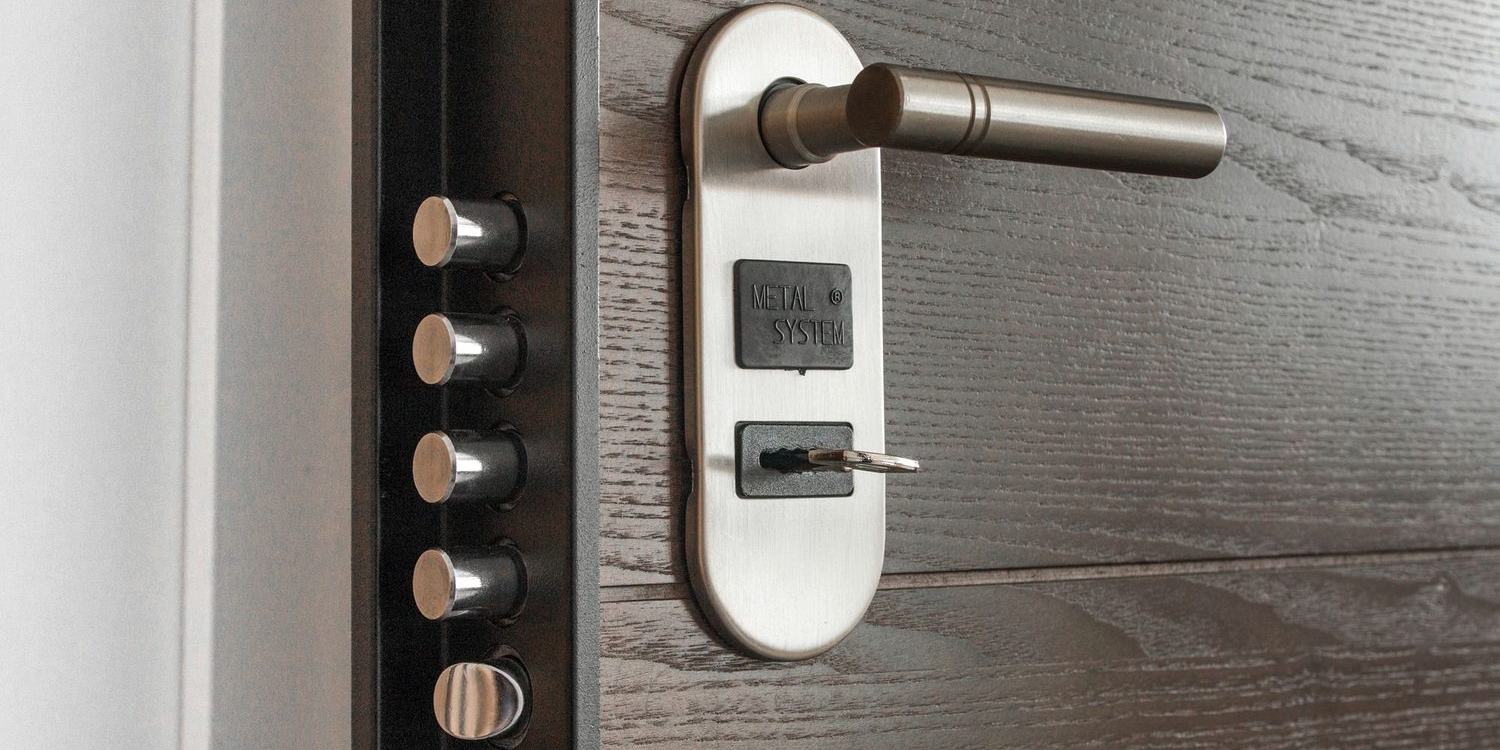
Most of the questions we get about the Conexis are really about the L1 and the L2 being sold side by side, with a price gap and very little explanation. The short version is that you are not choosing between two locks. You are choosing how the same lock talks to you.
For the wider case for and against Yale, and for the Conexis design as a whole, see our Yale assessment. This piece is only about the difference between the two versions.
What is actually the same
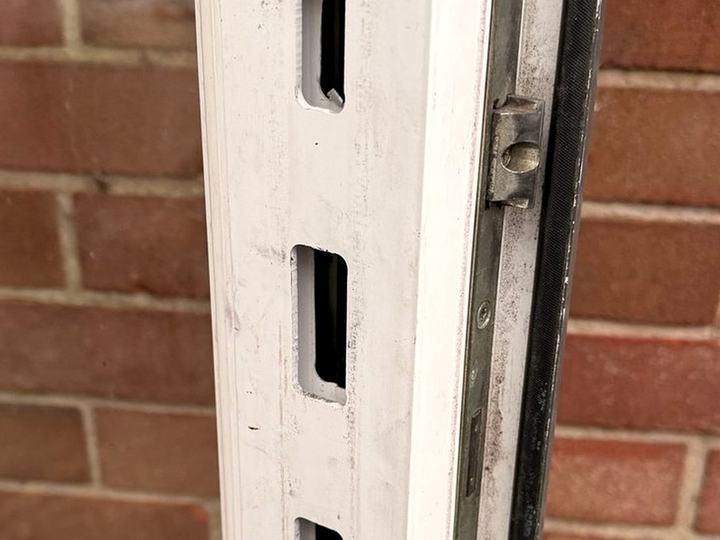
The hardware. Both are full replacements for the handle set on a UK lift-to-lock multipoint door — the uPVC and composite front door most British houses have. The motor replaces your euro cylinder, the handles are Yale's, and the finishes are the same on both versions.
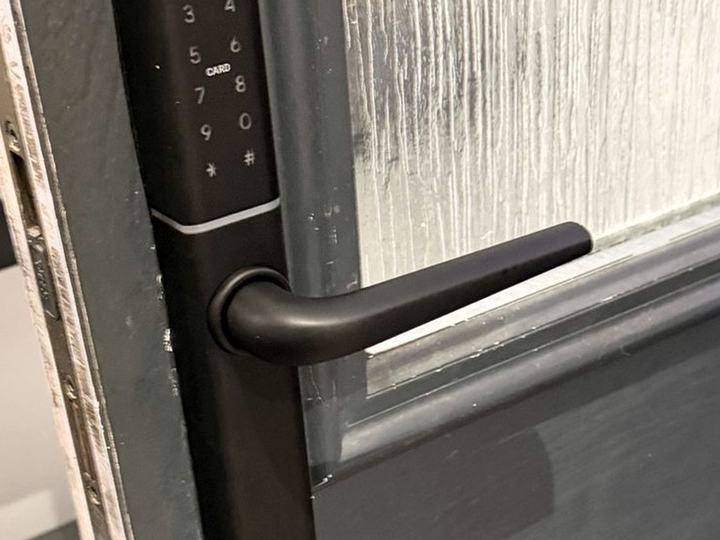
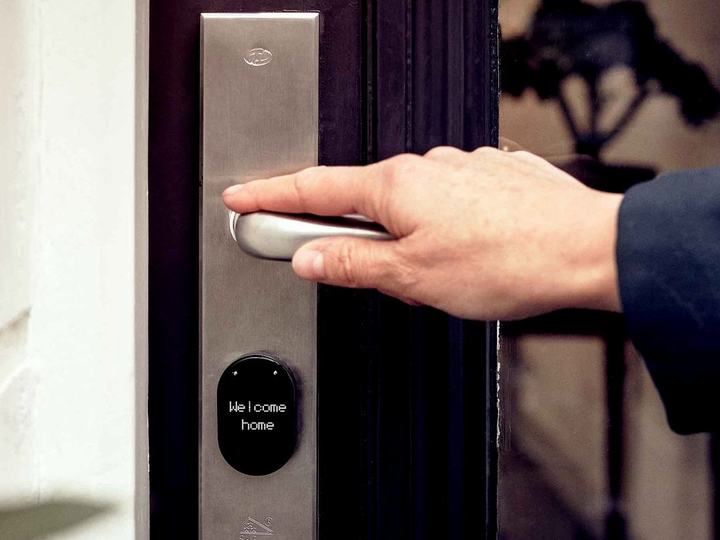
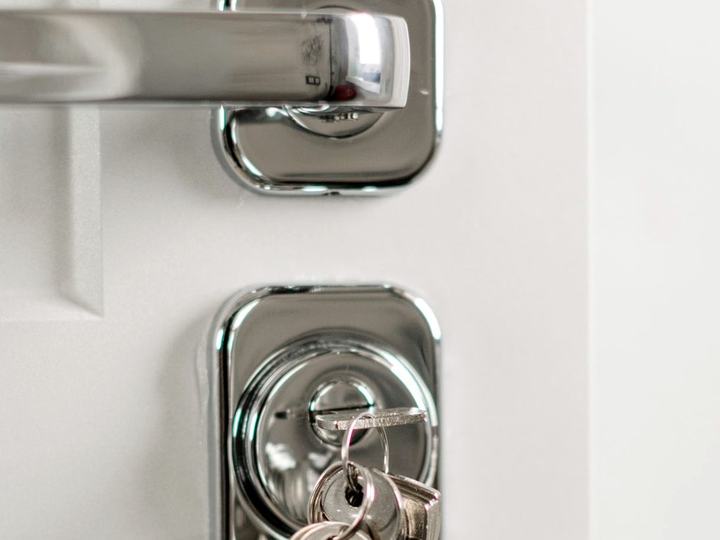
So is the thing that matters most day to day: there is no keyhole on the outside of the door. Both open with a contactless card or key tag, or from a phone. Both run on four AA batteries. Fitting one is the same job whichever you buy.
What the L2 changes
Remote access. The L1 talks to your phone over Bluetooth, which means you have to be near the door. Getting it online meant a separate Z-Wave module and a smart home hub to pair it with — workable for an enthusiast, a non-starter for most households. The L2 comes with Yale's Access module, which slots into the lock, and a Wi-Fi bridge that plugs into a socket near the door. That is what lets you unlock it from anywhere.
The app. The L2 uses the Yale Access app instead of the old Conexis app. One change here is worth more than it sounds: the L1 charged for 'virtual keys' to give other people phone access, and the L2 does not.
Voice assistants. The L2 works with Amazon Alexa and Google Home. Apple HomeKit support was missing in the independent reviews we checked, so if you run your home on HomeKit, check Yale's current compatibility list before buying.
Auto-unlock. The L2 can unlock as an owner's phone arrives home, using the phone's location. Useful with shopping in both hands; worth thinking about if more than one person's phone can trigger it.
If nobody needs to open the door from somewhere else, the L1 and the L2 are the same lock to live with.
The thing neither version does
On a lift-to-lock multipoint door, the bolts are thrown by lifting the handle. The Conexis motor turns the cylinder, but it cannot lift the handle for you. So it cannot lock a door that nobody has shut and lifted — remotely or otherwise. Reviewers note this as a limitation; it is really a property of the door, and it applies to every smart lock on this kind of door.
Yale's door-open sensor is affected by the same thing: reviewers report it does not work with multipoint doors. Do not buy the L2 on the assumption that the app will tell you the door is shut.
And neither version has a keypad or a fingerprint reader. A guest, a cleaner or a dog walker needs either a card or tag, or the app on their phone. For a household that is fine. For a rental with a different person every few days, codes are usually easier to hand out than plastic, and a lock with a keypad is the better tool.
The battery question, again
Because there is no outside keyhole, every way through the door is electronic. Both versions warn well before the batteries go, and the L2 has contacts on the outside for powering it from a battery in an emergency, as our Yale assessment covers. The L2's app makes the warning easier to see when you are away, which is a real if modest advantage.
It is still a household decision. If someone who uses the door would be stuck without a mechanical key, a retrofit that keeps your cylinder — or a lock with a key override — is the better answer, whichever Conexis you were considering. See what happens when a smart lock battery dies.
Upgrading an L1
If you already have an L1, you do not need a new lock to get the L2's features. Yale sell the module and bridge as a kit: the module goes into the lock's slot, the bridge goes in a socket, and the lock moves to the Yale Access app. Nothing on the door changes.
Bought separately, an L1 plus the kit has usually cost a little more than an L2 at the prices reviewers have reported, so if you are starting from nothing, buy the L2.
At a glance
| Hardware | Identical on both |
|---|---|
| Fits | UK lift-to-lock multipoint doors (uPVC and composite) |
| Outside keyhole | None, on either version |
| Opens with | Card or key tag, or phone app |
| Keypad or fingerprint | Neither version |
| L1 connectivity | Bluetooth; Z-Wave module for remote control |
| L2 connectivity | Yale Access module plus Wi-Fi bridge, in the box |
| App | L1: Conexis app. L2: Yale Access app |
| Voice assistants | L2: Alexa and Google Home |
| Batteries | Four AA, both versions |
| Upgrade path | L1 to L2 with Yale's module and bridge kit |
Verdict
Best forHomeowners with a uPVC or composite multipoint front door who want Yale, open the door with a card or phone, and want to manage it remotely
What works
- Same hardware on both, so an L1 can be upgraded rather than replaced
- Remote access in the box with the L2, no hub needed
- No charge for giving other people app access on the L2
- No outside keyhole on either: nothing to pick, bump or snap
What doesn't
- No keypad or fingerprint option on either version
- Cannot lock a door nobody has lifted the handle on — true of every lock on this kind of door
- The door-open sensor does not work on multipoint doors
- No outside keyhole means every way in depends on power
Where this assessment comes from
We fit smart locks on multipoint doors, which is where the practical points here come from: how the handle and the motor share the job of locking, and what households ask about afterwards. The differences between the versions are from Yale's own product information and independent reviews, which agree on them. We have not bench-tested the L1 against the L2, and with identical hardware there is little to bench-test. See editorial standards.
How we assess Our views come from installing and configuring these locks on real doors, and from living with the apps and the admin side afterwards. We do not run laboratory security or durability tests, and we say so rather than implying a rigour we don't have. Read more on our editorial standards page.